THE HOTEL LOBBY DROPVOL. 001
HOTEL LOBBY
AI VIDEO
GENERATOR.
Make a Hotel Lobby AI video, also known as a Migos AI video, from two photos.
Orange booth. One hanging mic. Your rap duo.
Explore templates free · Video generation uses paid credits
Just 2 photosNo editing skillsYour duo. Your energy.
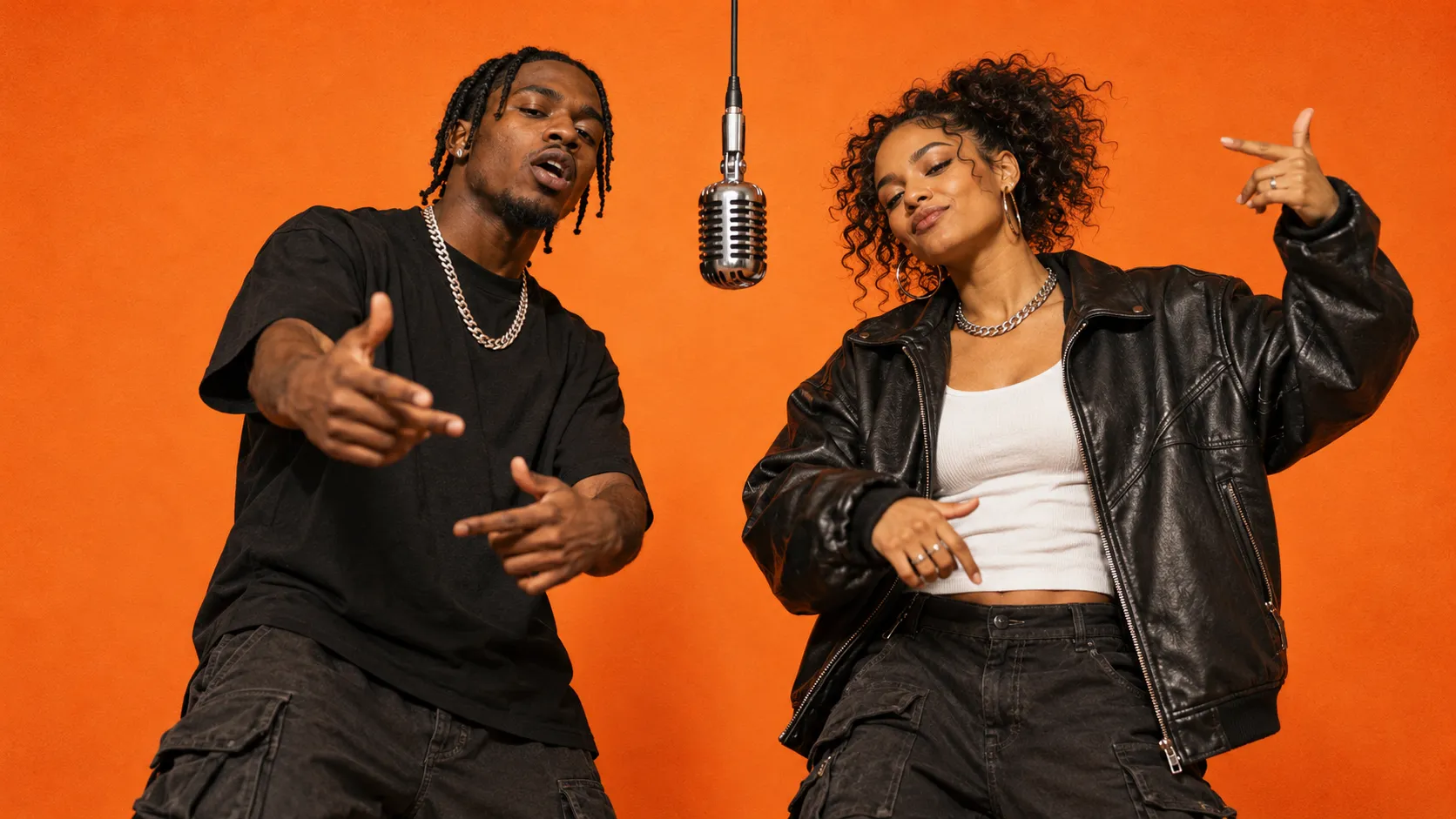
ORANGE BOOTH SESSION16:9
SCENE 01 / THE ORIGINALAI SCENE CONCEPT
GROUP CHAT
WON’T BE
THE SAME.YOUR NEXT DROP ↗
●Two of you. A whole different frequency.let’s cook ↗
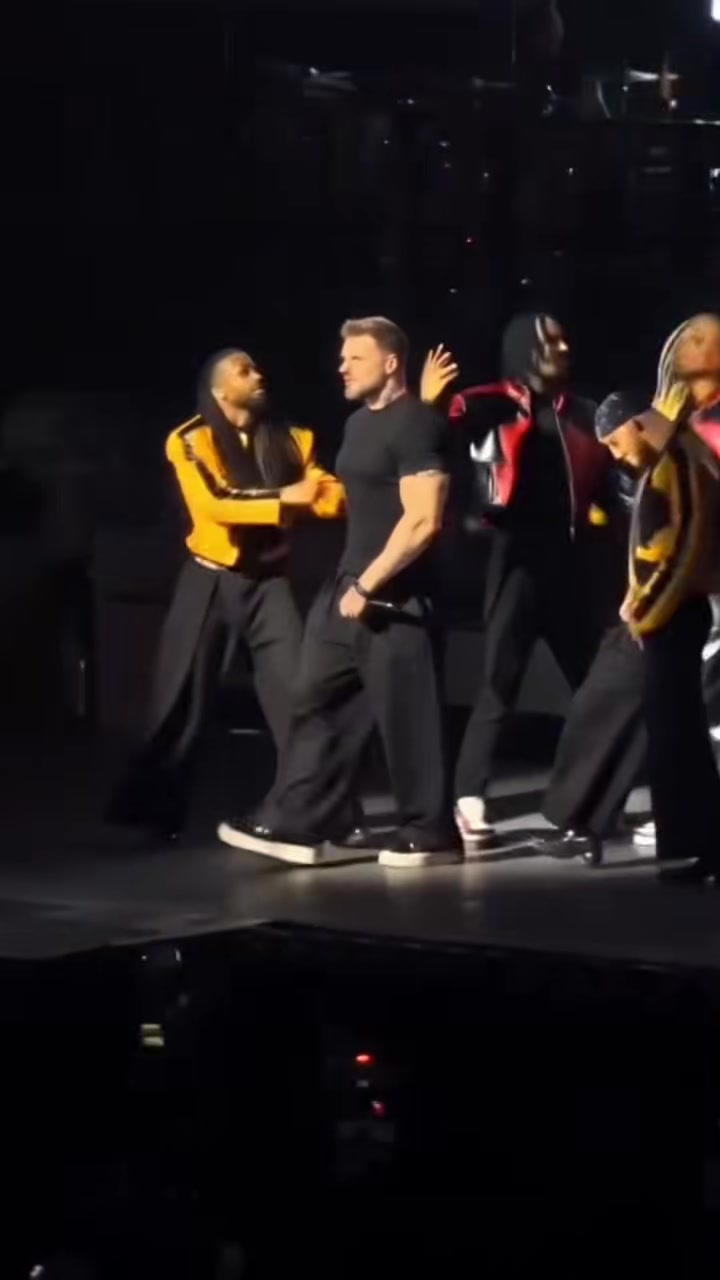
NEW / ONE PHOTO
Try this danceTalk Dirty AI Dance
One photo. Replace the center lead in a full 15-second dance.
01 / PICK YOUR VIBE
Same mic. Different energy.
From the orange booth to the after-party. There’s a stage for every duo.
2 available templates · 5 concepts
Y2K cypher
People · 6–15s · 16:9After-hours lobby
People · 6–15s · 16:9Neon frequency
People · 6–15s · 16:9Moon gate session
Heritage · 6–15s · 16:9Lounge legends
People · 6–15s · 16:902 / STEP INTO THE BOOTH
Cast your duo. Drop your video.
03 / THE PLAYBOOK
How to make a Hotel Lobby AI video.
Pick your people.
A friend or your other half. Upload one clear, authorized adult portrait for each role.
Find your frequency.
Choose a template, duration and quality. The studio uses a fixed template prompt.
Drop it like it’s yours.
Check both faces throughout the clip. Download your MP4 and take it to the group chat.
CREDIT PACKS / NO SUBSCRIPTION
Load up. Drop more.
One-time credit packs in USD. Generation requires an account and enough credits. Check top-up options for current payment availability.
Starter Drop
$9.90USD
50 credits
Your first few takes, ready to drop.
- No subscription
- Credits never expire
- Confirmed failures return credits
Creator Stack
$19.90USD
105 credits
Keep the cypher going.
- No subscription
- Credits never expire
- Confirmed failures return credits
Studio Vault
$29.90USD
160 credits
More room for your next releases.
- No subscription
- Credits never expire
- Confirmed failures return credits
Credits per video · 6–15 seconds
480p Lite20 credits
720p Standard45 credits
1080p Pro80 credits
Log in and have enough credits before generating. Credits are reserved on submission; confirmed failures are refunded once. All 6–15 second videos use the prices above. Shorter videos cost the same.
04 / BEFORE YOU DROP
A few things
to know.
Good photos. Clear expectations. Better sessions.
01What is a Hotel Lobby AI video?+
The trend takes its name from Quavo and Takeoff’s Hotel Lobby performance on A COLORS SHOW: two performers in an orange studio sharing one hanging microphone. AI Video GG uses two photo references to personalize this duo format.
02Is Migos AI the same as Hotel Lobby AI?+
Yes. In this trend, Migos AI and Hotel Lobby AI refer to the same orange-booth duo video format. AI Video GG is an independent tool for creating your own version from two photos, and is not affiliated with or endorsed by Migos, the artists, or COLORS.
03Is Hotel Lobby AI free?+
Browsing templates is free. Generating a video requires an account and paid credits; new accounts start with 0 credits. A 6–15 second video costs 20 credits at 480p, 45 credits at 720p, 80 credits at 1080p. Shorter clips cost the same.
04Which photos work best?+
One subject per image, a clear face, even light and no heavy filters. Keep eyes and jawline visible. Use JPG, PNG or WebP between 300 and 6,000 pixels per side.
05Can I generate a video right now?+
Log in, choose an available template and make sure you have enough credits. Current service availability appears beside the Generate button. Templates marked Soon are concepts and cannot generate videos yet. Review both faces, motion and lip sync before downloading your MP4.
06Does it use the original Hotel Lobby song?+
The original template audio is restored after generation. Faces, motion and lip sync need review. Music rights are not included.
07Where do my photos and videos go?+
Photos selected here stay in this browser tab until generation. Phone transfers temporarily use private storage, deleted after receipt or expiry. When you generate, they pass through our server memory to 302.AI for processing; we privately save the two prepared photos for administrator troubleshooting for up to 3 months, and delete them when you delete the video. Completed videos are saved in private Cloudflare R2 for 3 months for paid works, or at least 6 months from first public sharing. Please download them soon. Provider media is hosted separately and may expire. Deleting your history removes our task and R2 copy; it does not delete provider copies.
08What if a generation fails?+
Credits are reserved when you submit a video. Confirmed failed generations return the reserved credits once. Unconfirmed submissions stay pending and are not retried automatically, to avoid duplicate charges. Check the status in My videos before submitting again.
THE DUO PLAYBOOK / BLOG
Better inputs. Better sessions.
Eight practical guides, from your first portrait to your final MP4.
01 / START HERE
Your first Hotel Lobby AI video
Two photos, an available template and a session you know how to review.
Read the guide02 / PHOTO GUIDEGive your duo a clearer reference
Framing, light and file checks before you spend credits.
Read the guide03 / QUALITY & CREDITSPlan your next drop
Compare 480p, 720p and 1080p, with the real cost of each attempt.
Read the guide