Better photos, better duo: a portrait checklist
The identity reference is one of the few parts of a template video you directly control. A clearer photo will not guarantee a perfect face in every frame, but it removes avoidable ambiguity before the model starts moving.
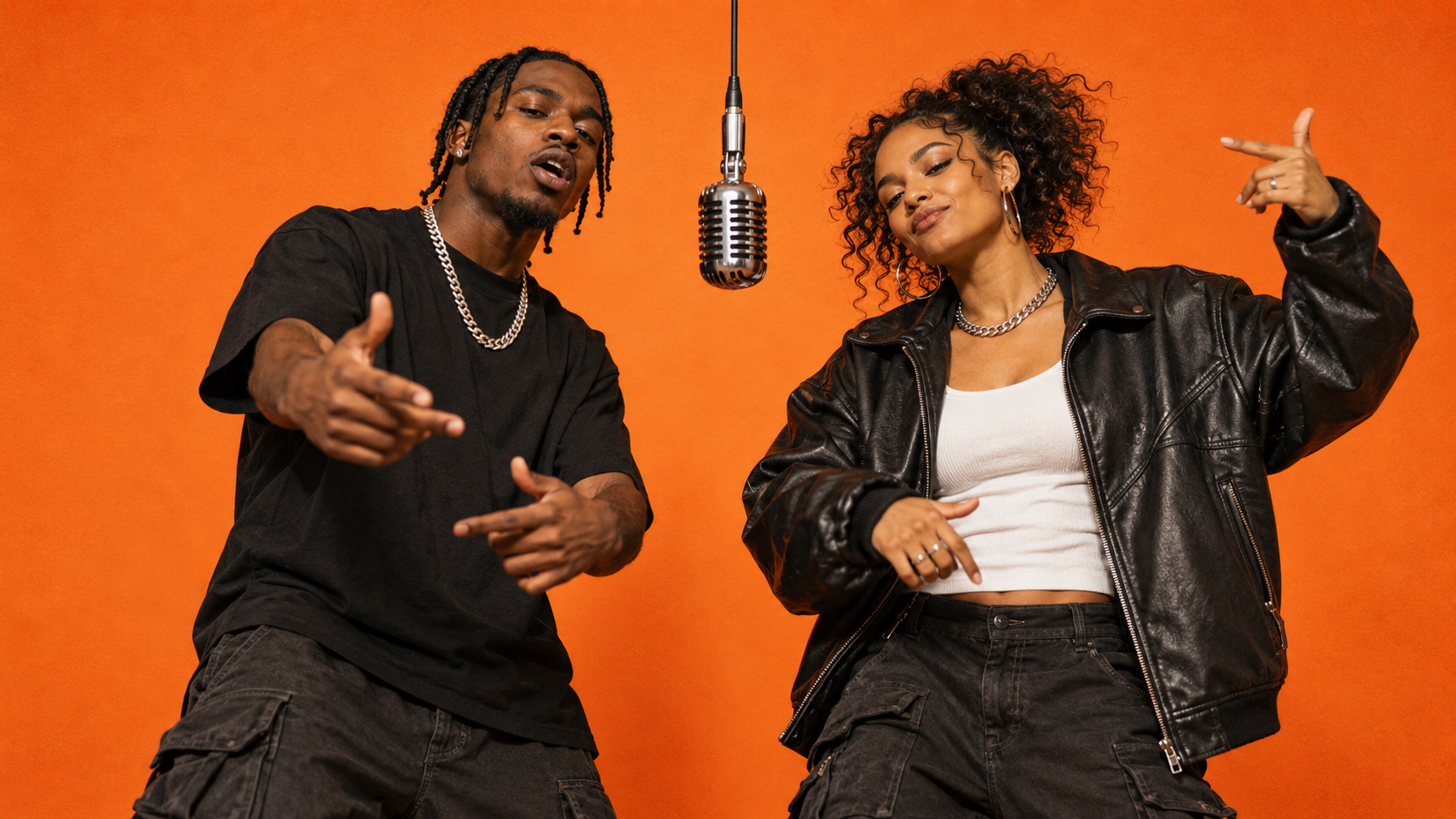
Use one unobstructed face per image. Preserve real detail instead of adding filters or artificial sharpness.
Look for visible identity details
Choose a portrait where you can clearly see the eyes, nose, mouth and jawline at normal viewing size. Hair should be visible rather than cropped off at the forehead. Front-facing or mild three-quarter portraits are practical starting points because more of the face is available as a reference. Strong profile shots give less information about the hidden side.
Avoid sunglasses, a hand across the mouth, deep shadows or several people in the frame. A small face inside a large group photograph is a weak starting point even if the file has many pixels. Crop a copy around one person, leaving a little breathing room around the head and shoulders. Never crop so tightly that the chin or hair disappears.
Use ordinary light and restrained edits
Soft, even light makes the face easier to read. Window light or a clear indoor portrait is often a useful choice. Look for a balanced exposure: neither a bright patch with no skin detail nor a face lost in shadow. You do not need to photograph the person against an orange wall; the template provides the scene.
Heavy beauty filters can erase details that help distinguish one identity from another. Stylized makeup, extreme color casts and aggressive sharpening can also change the appearance you are asking the model to preserve. Prefer an original portrait over a screenshot from social media. Enlarging a blurry photo adds pixels without recovering real facial information.
Prepare files that the studio can accept
Use JPG, PNG or WebP. Each image must be no larger than 8 MB, and each side must be between 300 and 6,000 pixels. If your phone saves HEIC, export a compatible copy. A filename change does not convert the image format. Check the actual exported file before selecting it in the studio.
Resize overly large originals once and retain a local backup. After upload, inspect the preview in each slot. Verify that the left photo is the intended performer A and the right photo is performer B. If you uploaded the same portrait twice by mistake, replace one file before submission. Use the placement guide for more on the two roles.
Separate photo quality from motion quality
Even a good portrait can drift when a performer turns, becomes partly hidden or moves near the microphone. The source performance supplies movement, while your photo supplies identity. A still portrait cannot promise every view of a moving head. Review the whole generated clip and change one input at a time if you decide to try another generation.
Only use photos you are authorized to upload, showing consenting adults. Locally selected photos remain in the browser tab before generation. Phone transfers use private temporary storage and are deleted after receipt or expiry. Submitted prepared photos go to 302.AI and are retained privately for up to 3 calendar months for authorized troubleshooting. Read the Privacy Policy for the current handling and retention details. Hotel Lobby now lists people and heritage-inspired scenes; animal template cards have been removed.
Based on the AI Video GG studio reviewed October 28, 2026. Check the live template availability and pricing. For data handling and usage terms, read our Privacy Policy and Terms.