THE DUO
PLAYBOOK.
Better photos. Smarter sessions. Drops worth keeping.
Practical guides for your next Hotel Lobby AI video.
UPDATED OCTOBER 28, 2026
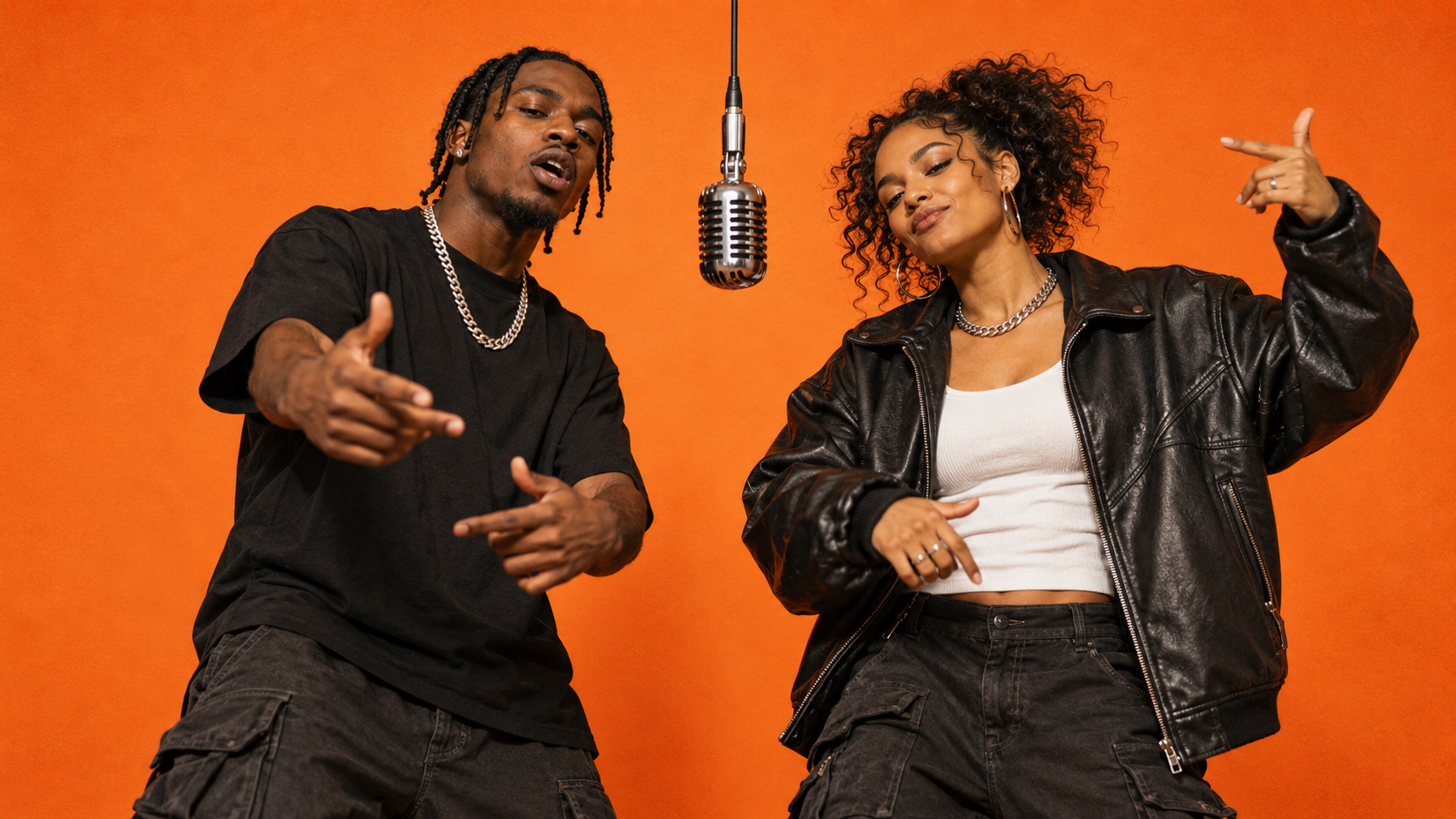 SCENE CONCEPT / ORANGE BOOTH
How to make a Hotel Lobby AI video from two photos
Your first session, from choosing two portraits to reviewing faces, checking credits and saving the finished MP4.
Read the first-session guideInside the studio
PHOTOS → SESSION → EXPORTBetter photos, better duo: a portrait checklist
Choose and prepare two portraits with useful face detail, clean framing and even light for your next AI duo video.
Left or right? Cast your two-photo video correctly
Understand performer A and B, use Swap, and check that each identity follows the intended source performer.
Orange booth or Y2K: choose your session
Compare the two available AI Video GG templates and understand the difference between scene concepts and generation options.
480p, 720p or 1080p: plan your video credits
Compare output resolutions, calculate the current credit cost and understand why shorter clips do not cost less.
When a face drifts: review and improve your inputs
Spot identity changes during motion, separate them from casting mistakes, and make a deliberate next attempt without promises of a perfect fix.
Template audio and lip sync: what your video contains
Understand the restored soundtrack, source mouth movements and the checks to make before using your AI duo video.
From My videos to your feed: a download checklist
Save your MP4, verify local playback, choose a portrait or landscape frame and review consent and soundtrack rights before sharing.
Your duo.
Your next drop.
Choose an available template and cast your two performers.
Generation requires an account and paid credits.