When a face drifts: review and improve your inputs
A convincing opening frame is only the start. Face drift means the person’s appearance changes during the clip, sometimes around a turn, gesture or occlusion. Treat it as something to inspect across time rather than a problem that resolution alone can solve.
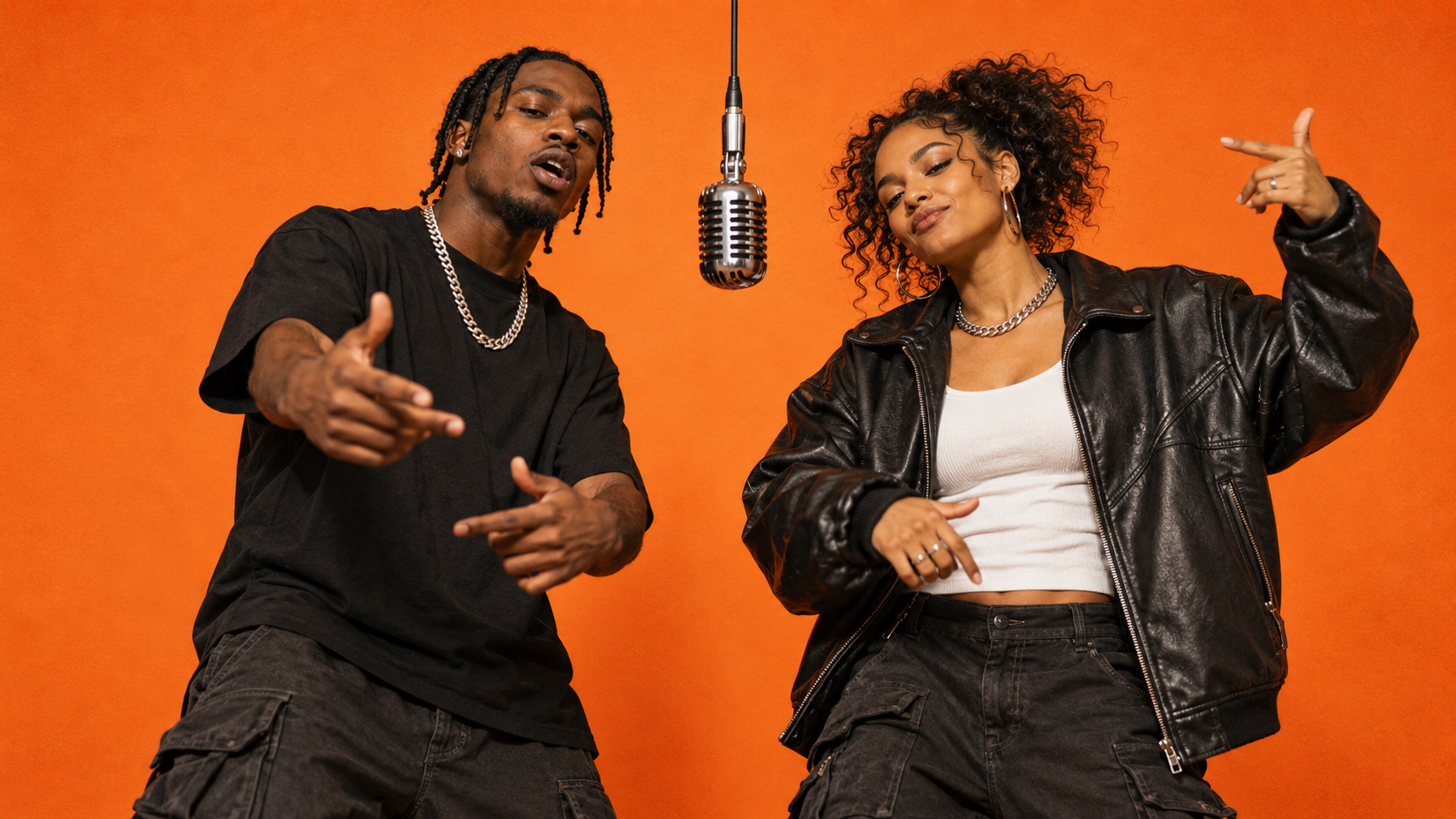
Review both identities throughout the clip. Improve one input at a time, and treat another generation as a paid experiment.
Name the problem before changing a setting
Play the entire video once, then pause where the face becomes less recognizable. Note the time and the performer. Look for a changing jawline, hair that switches shape, a face that blends with the other person, or an identity that seems to transfer when someone passes the microphone. A single thumbnail will not show these transitions.
Distinguish face drift from a casting error. If the identities start in the wrong places, check whether you reversed the upload slots. Photo 1 belongs to the first-frame left performer and photo 2 to the right. Swap corrects the input order before submission; it does not repair frames in an already completed video.
Remove ambiguity in the portraits
Try a clearer, authorized portrait of the affected person. Look for a visible jawline, unobstructed eyes and mouth, natural skin detail and even light. Avoid extreme profiles or a tiny face cropped from a group photograph. You do not need to match the template background, because the portrait is an identity reference rather than a whole-scene replacement.
Keep the stronger portrait unchanged when replacing the weaker one. Use the same active template, cast order and output settings if your aim is to assess the new image. When several variables change together, an improvement tells you less about which input helped. Keep a local note of the files used for each attempt.
Understand what settings cannot guarantee
Higher resolution changes output detail and cost. It does not guarantee a consistent identity through every turn or hidden face. A shorter supported segment may avoid a troublesome moment, but it still costs the same at a given resolution and may have its own imperfections. Neither change is a reliable repair button.
The studio uses fixed template prompts. There is no user-editable instruction field for locking a face or rewriting the choreography. Source motion supplies the sequence of body movements and expressions. A portrait cannot provide a perfect reference for every possible view of a moving head, so review is still necessary even with clean inputs.
Decide whether another attempt is worthwhile
Before paying for another generation, decide what you will change and what would count as an acceptable result. If both photos are already clear and the same turn keeps looking wrong, more blind retries may simply consume credits. Save the existing result and the relevant timestamps if you need to describe the issue to support.
If the job failed rather than completed, check its status and credit history. Confirmed failed jobs return reserved credits once; pending submissions should be checked before retrying. For a completed clip you plan to share, make sure neither person feels misrepresented, label it as AI-generated and skip publishing a version with distracting identity errors.
Based on the AI Video GG studio reviewed October 28, 2026. Check the live template availability and pricing. For data handling and usage terms, read our Privacy Policy and Terms.