480p, 720p or 1080p: plan your video credits
Resolution is both an output setting and a budget decision. A higher pixel count gives the video more room for detail, but it cannot guarantee better likeness, more natural hands or perfect lip sync.
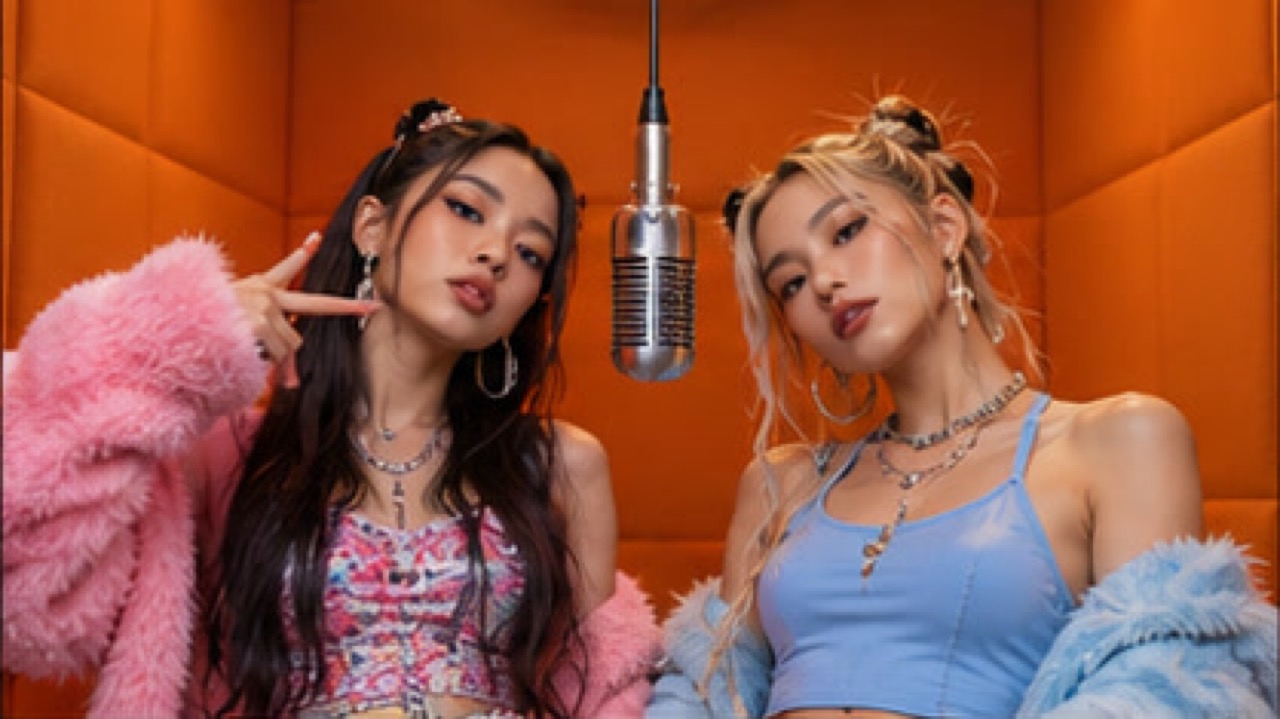
Budget per generation, not per second. Choose resolution for the intended viewing size, then judge identity and motion separately.
The current resolution-based costs
AI Video GG offers 480p, 720p and 1080p for its available duo templates. Hotel Lobby offers 16:9 landscape or 9:16 portrait, with whole-second durations from 6 to 15 seconds. Smalltown Boy is fixed at 20 seconds, and Talk Dirty at 15 seconds; check each theme’s form. The table uses the same pricing source as the studio; always check the displayed generation cost before submitting.
| Resolution | Credits per video | A practical use |
|---|---|---|
| 480p | 20 | A lower-cost first attempt |
| 720p | 45 | A balance of detail and cost |
| 1080p | 80 | Viewing where extra pixels matter |
Count complete attempts in your budget
A 50-credit Starter Drop can cover two 480p generations with 10 credits left, or one 720p generation with 5 credits left. It cannot cover one 1080p generation. These are examples using the current costs, not a promise that every attempt will produce a result you want to publish. New accounts start with 0 credits.
Set aside room for a possible second attempt if you are experimenting with portraits or styling. A visually imperfect completed clip is not the same as a confirmed failed job. Confirmed failures return reserved credits once. Pending or uncertain submissions need a status check in My videos before you place another request.
Shorter does not mean cheaper
The price is fixed by resolution across all supported durations. A 6-second 720p video and a 15-second 720p video each cost 45 credits. Use duration to choose the portion of the performance you want, not to reduce the bill. Whole-second settings are supported; there is no per-second pricing slider.
A shorter segment may be easier to review or fit your edit, but it is not a guaranteed way to solve face drift. Choose a segment that makes sense with the source performance and listen to the restored template audio. Avoid assuming that shortening the clip will create a new musical ending or rearrange the lead performer.
Judge pixels and performance separately
480p is a practical way to make a lower-cost first attempt. If you choose 720p or 1080p afterward, that is another generation, not an upgrade applied to an existing file. The studio does not expose a separate upscale control for completed jobs. Keep the original downloaded file when comparing versions.
Look at facial consistency, hair, hands, clothing and audio timing before deciding that more pixels are the answer. A sharp image with the wrong identity is still the wrong result. Compare your saved MP4 at the size you actually plan to use, since a small phone preview and a large display can reveal different problems.
Based on the AI Video GG studio reviewed October 28, 2026. Check the live template availability and pricing. For data handling and usage terms, read our Privacy Policy and Terms.