Template audio and lip sync: what your video contains
A rap-style video can look like a new performance without containing a new recording. AI Video GG uses the source clip as the motion reference and restores the original template soundtrack after generation. Your uploaded portraits are not voice samples.
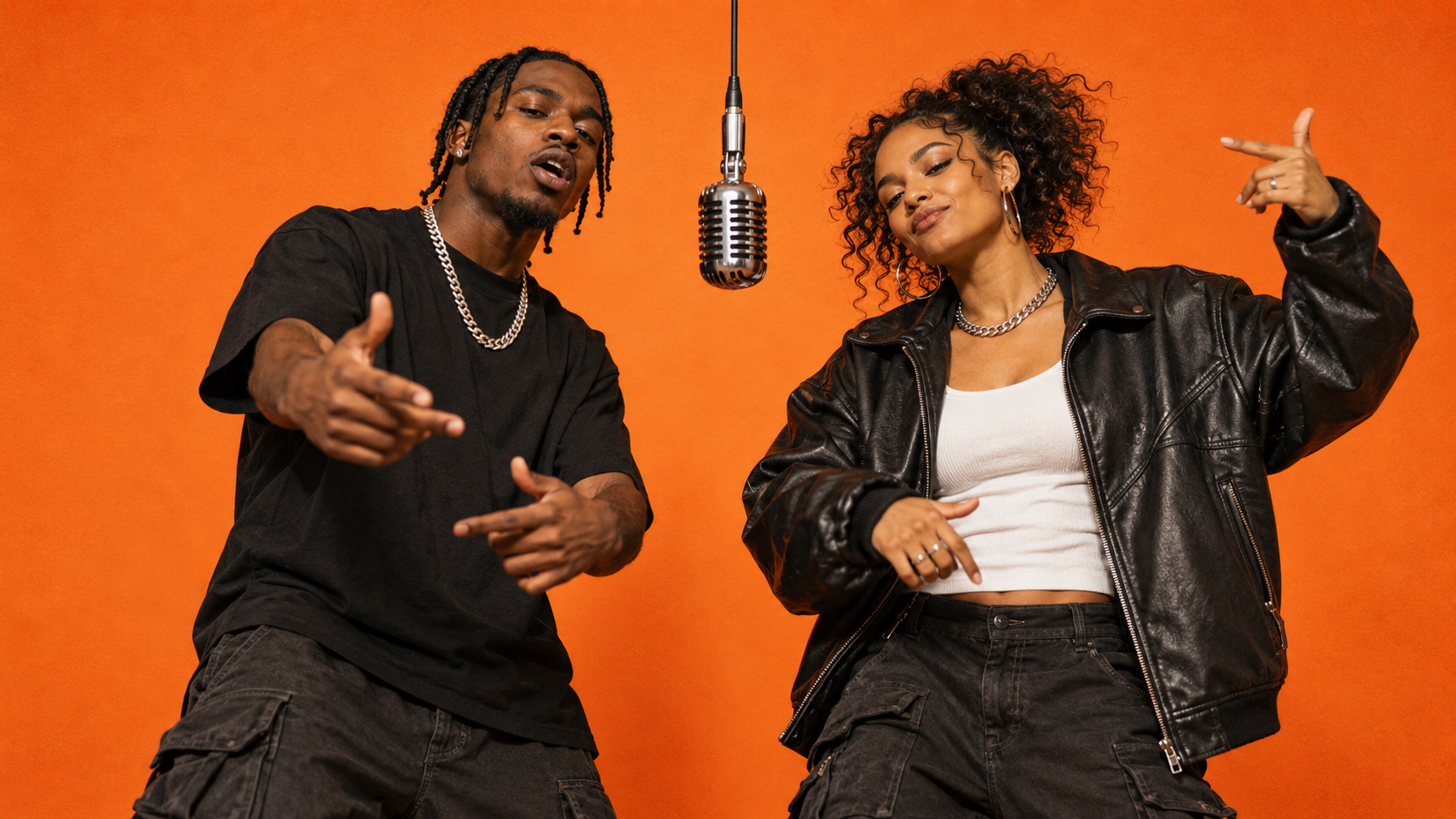
You get a personalized visual performance with template audio. Check timing and soundtrack permission before sharing.
The soundtrack comes from the template
The generation workflow uses guide audio for timing and restores the template’s original audio in the finished video. The fixed prompt asks the model to follow the original mouths, gestures and lead-and-supporting roles. It does not ask for new lyrics, a new voice or a newly composed song.
There is no microphone recording step in the studio. Uploading someone’s face therefore does not clone their voice. Do not describe the result as a genuine recording of either person singing or rapping. Their photos personalize the visuals, while the soundtrack remains the template audio.
Watch mouths and gestures in motion
Listen with sound on while following each performer’s mouth. Look for an obvious delay, an open mouth during a quiet moment or a changed expression around a turn. The prompt intends to preserve source timing, but model output still needs review. A convincing still frame does not verify lip sync.
Check the beginning and ending too. A short clip may not end at the musical point you expected, because selecting a duration is not a music-editing tool. The source performance defines the exchange between performers. Swapping the photos changes the cast mapping; it does not swap the soundtrack’s verses.
Separate playback trouble from the generated result
If the browser preview is silent, first check the player volume and your device sound. Download the MP4 and open it locally with sound enabled. This helps separate a muted preview from a problem in the saved file. Keep the original download while investigating, rather than judging a compressed copy sent through a messaging app.
If picture and sound appear out of step, note whether the mismatch occurs throughout or only at a specific gesture. Describe the timestamp and which performer is affected when contacting support. The studio does not expose a timeline editor, per-word sync controls or a custom soundtrack upload field; review those limits before planning a more elaborate edit.
Treat access to audio separately from permission
A downloadable soundtrack is not a music license. AI Video GG does not include music rights with a generation. Check the permissions required for the particular audio and the place you intend to publish, especially if the clip is for a brand or commercial campaign. Permission to use the portraits is a separate part of that review.
If you edit the file in another tool, use audio you are authorized to use and recheck timing after export. Label the final video as AI-generated and avoid implying that the people actually made the source recording. Read the site Terms and the destination’s current rules before publishing; platform acceptance of an upload is not proof of rights.
Based on the AI Video GG studio reviewed October 28, 2026. Check the live template availability and pricing. For data handling and usage terms, read our Privacy Policy and Terms.